 MindMesh
Mascot
Your conversational companion on top of MindMesh memory.
Ask what changed, what matters, or what is next. Get answers grounded in connected email, calendar, and local context.
How Mascot works
01
Ask in plain language
Talk like you would to a teammate who already has context.
02
Grounded reply
Mascot answers from email, calendar, and MindMesh memory.
03
Take the next step
Jump to inbox, events, or a follow-up without re-explaining.
See Mascot in action.
One question becomes a calm, grounded answer you can act on.
Mascot answers from your connected inbox context in one calm thread.
Find the file without the hunt.
Ask for an attachment in plain language and get a grounded hit you can open.
Mascot finds the Acme attachment from last year without you hunting folders.
Looks
Pick a companion.
In MindMesh you can choose how Mascot looks. These are the companions available in the product.
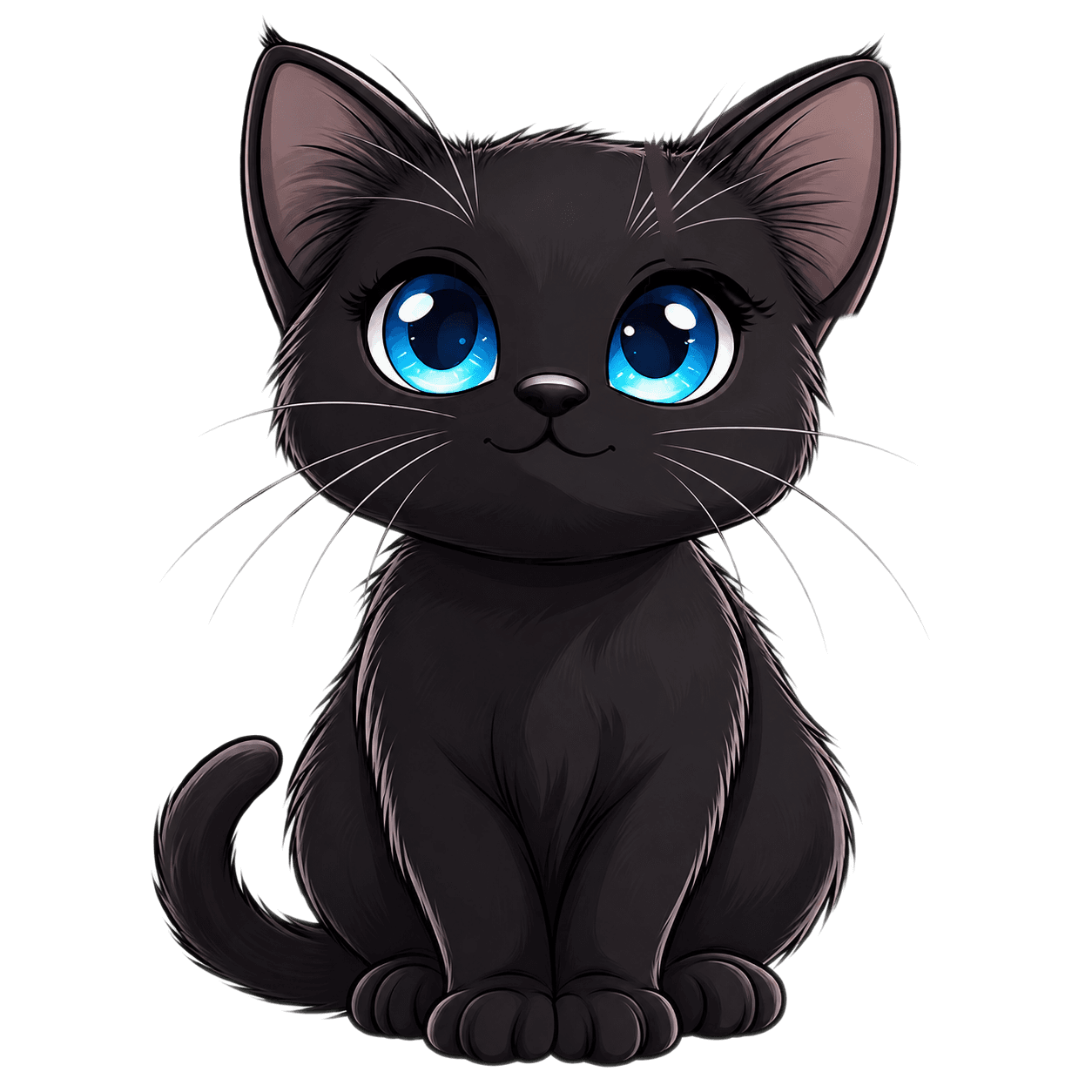
Whiskers
The cat companion used in the floating Mascot chat.
Available companions
Stills only on this page. Animated characters play in the product, not on the marketing funnel.
What Mascot can do
Catch up fast
Ask what landed today without scanning every account.
What matters
Surface priorities and open loops in plain language.
What is next
Get a calm read on meetings and unfinished threads.
Stay human
Conversation instead of another dashboard to decode.
When to use which
Sensor vs Mascot
Sensor is for instant action. Mascot is for ongoing conversation. Together they reduce hunting, tabs, and context switching, without replacing Connect / Focus / Execute as the homepage story.
| Dimension | Sensor | Mascot |
|---|---|---|
| Best for | Instant commands and jumps | Questions that need context |
| Feels like | A command bar | A calm conversation |
| Example | Open Calendar | Did I get any emails today? |
Sensor and Mascot work from the same local-first MindMesh layer. Read-only connections where it matters.